

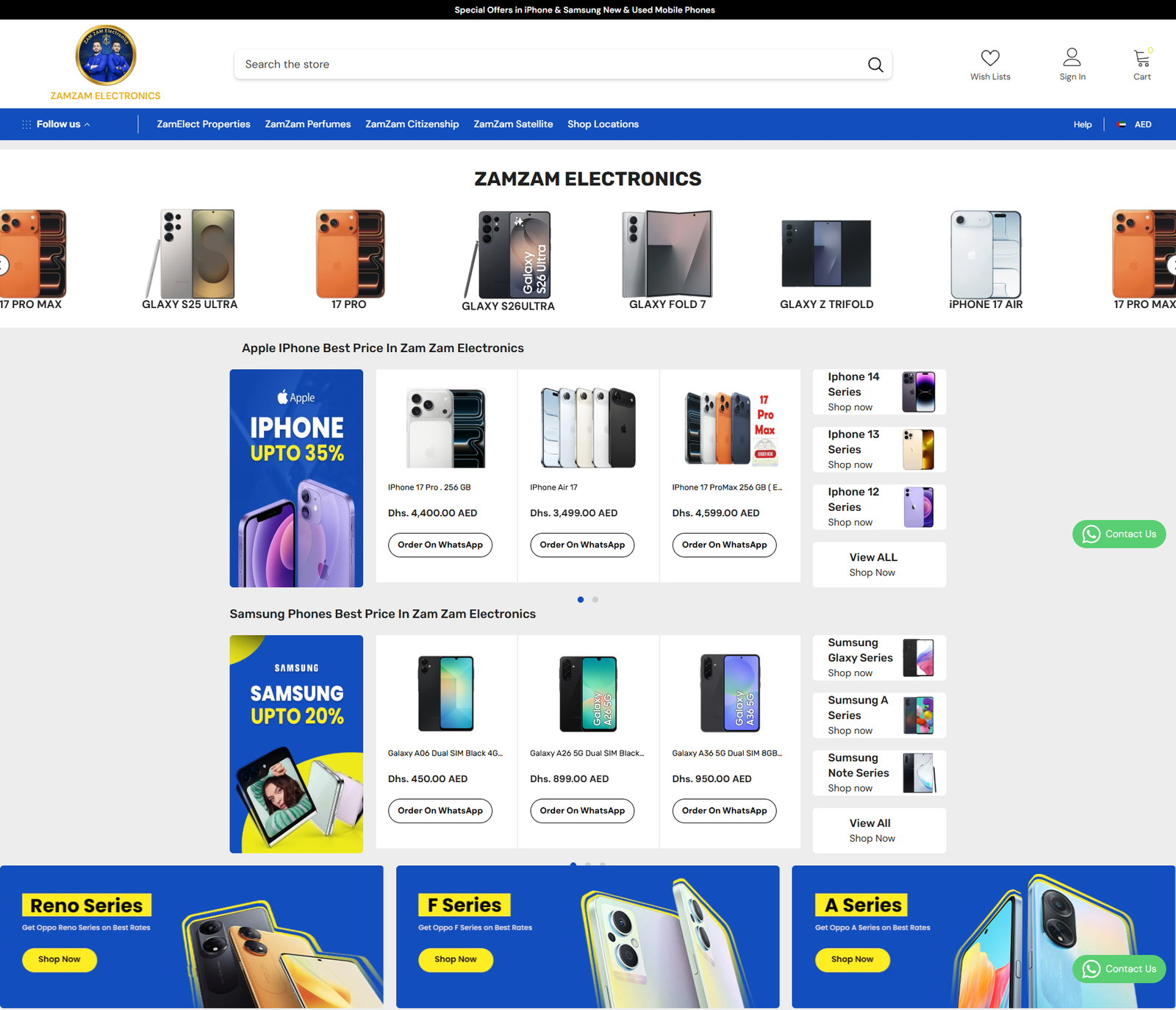
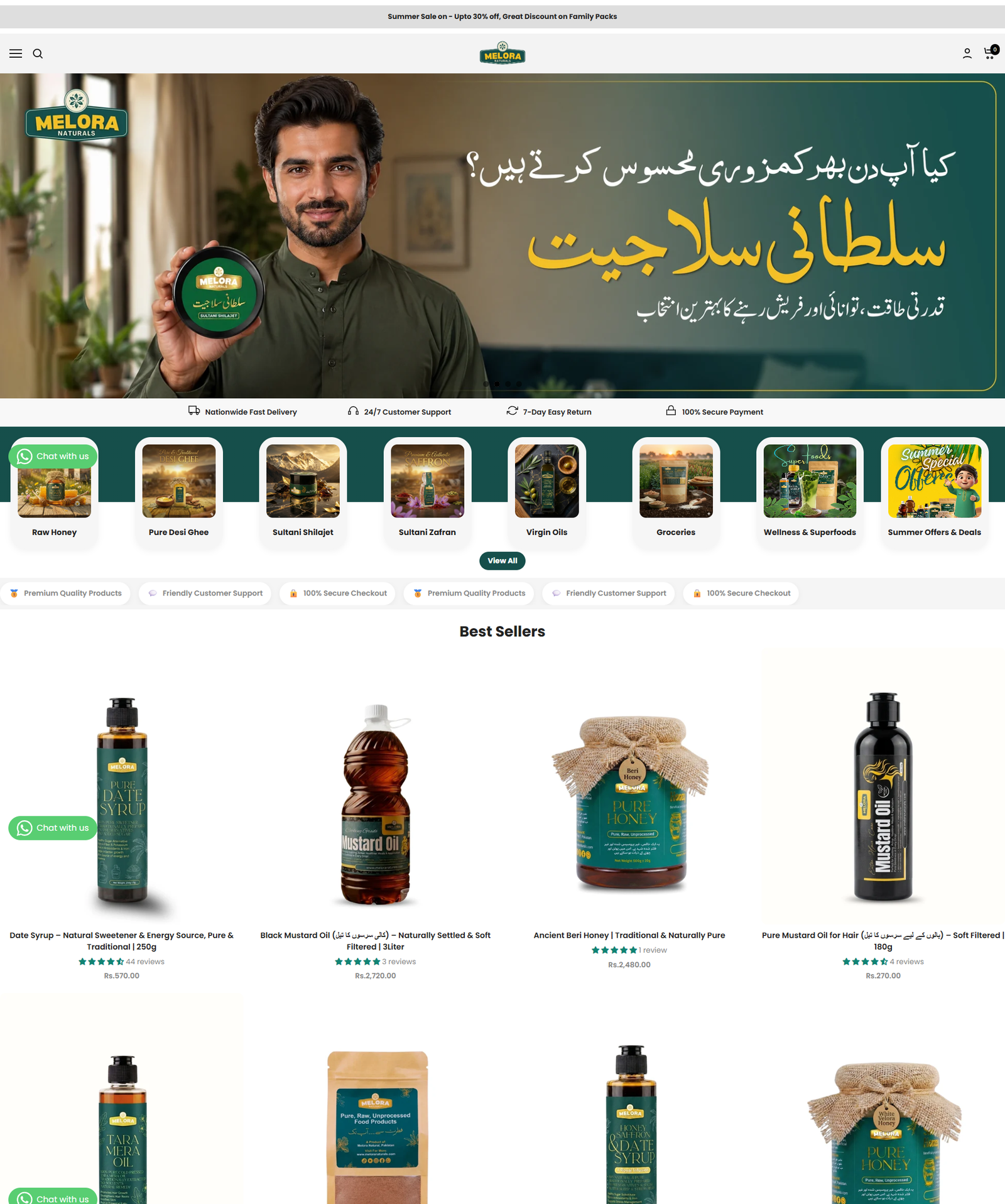
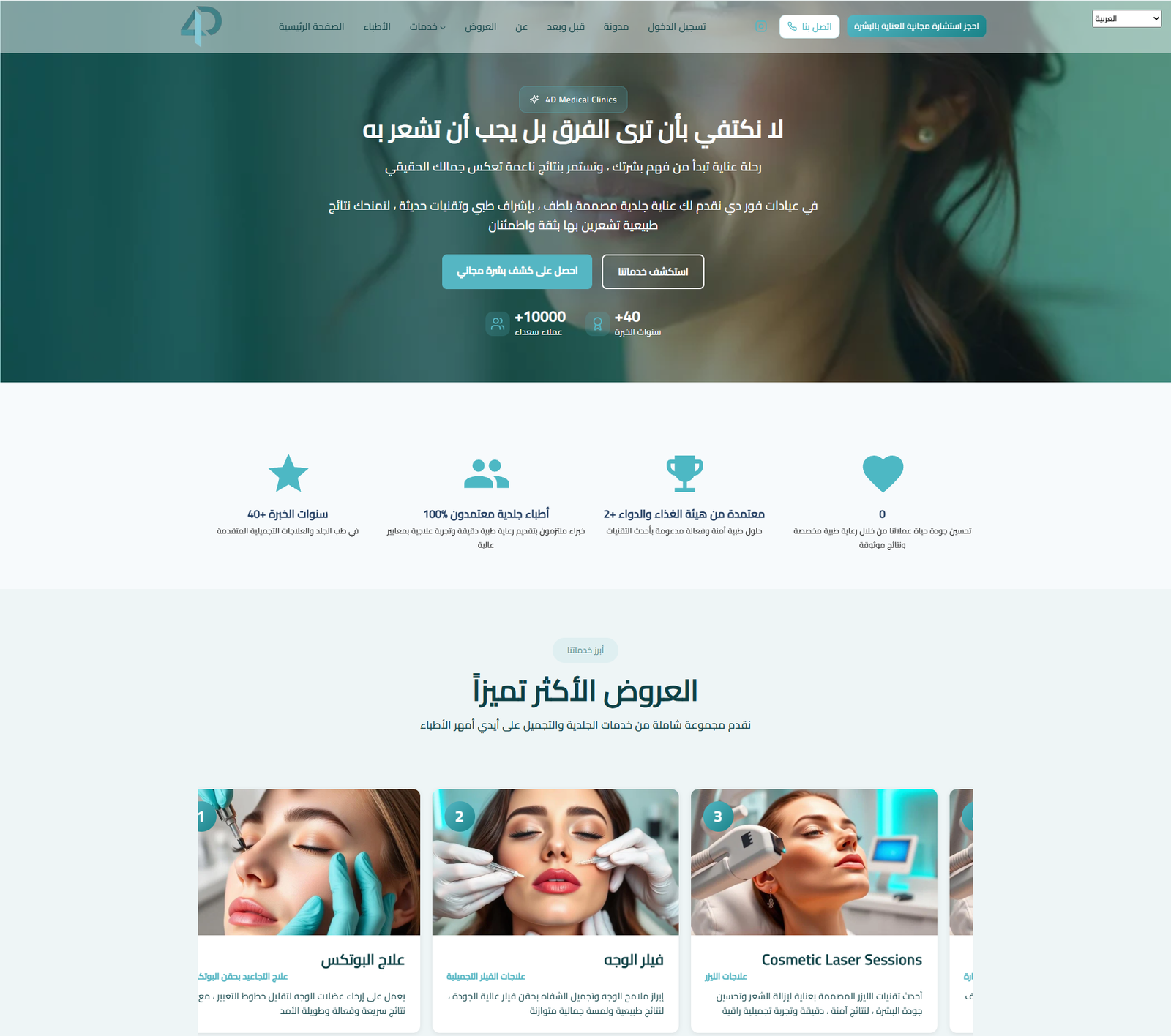
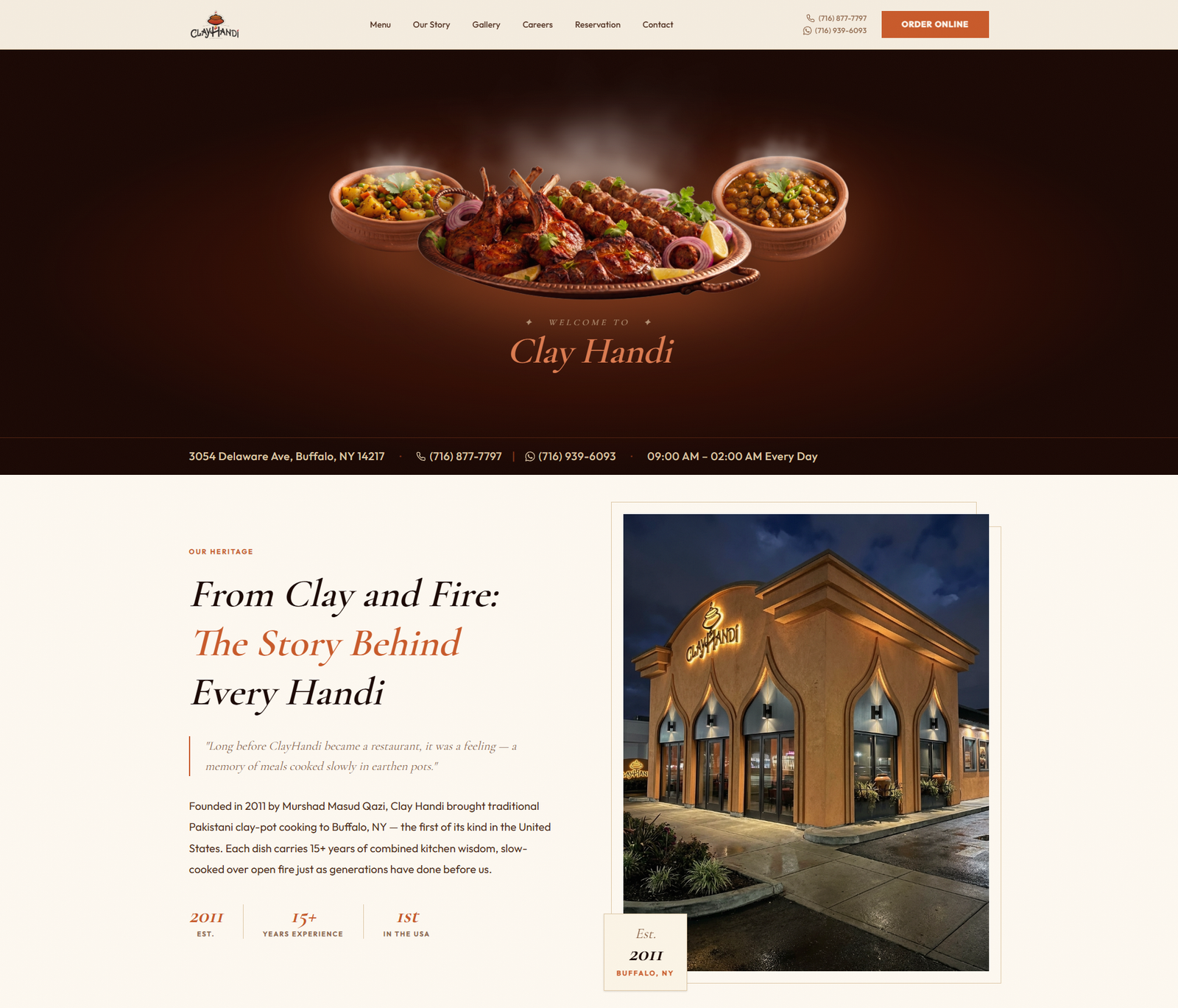
Most bilingual websites in the Kingdom are built the same way: design in English, build in English, then bolt on an Arabic version at the end. The result is technically bilingual and practically monolingual — an Arabic site that reads like a document someone ran through a translator, with a layout that never quite fits.
The fix is not a better translator. It is deciding, before the first wireframe, that the site has two first languages.
Right-to-left is a layout decision, not a stylesheet toggle
Setting dir="rtl" flips the text direction. It does not flip your thinking. A layout designed left-to-right carries assumptions that survive the flip and quietly break the page.
The things that go wrong most often:
- Directional icons. An arrow meaning “next” must point left in Arabic. A back chevron must point right. Mirror the ones that carry direction; never mirror a logo, a clock, or a play button.
- Asymmetric spacing. Padding written as
padding-leftstays on the left after the flip. Use logical properties —padding-inline-start— and the browser handles it. - Mixed-direction strings. An Arabic sentence containing a Latin brand name or a phone number will reorder in ways that look like a bug. Wrap the foreign fragment rather than fighting the algorithm.
- Numbers and dates. Decide early whether you are using Arabic-Indic or Western numerals, and whether dates are Gregorian, Hijri, or both. Then be consistent everywhere, including invoices and confirmation emails.
- Form validation. Error messages, placeholder text, and character counters all need Arabic versions. Half-translated forms are where trust dies.
Typography is where it shows most
Arabic type has different vertical proportions to Latin type. A font size that looks generous in English often looks cramped in Arabic, and line heights tuned for Latin ascenders will clip Arabic descenders.
Pick the Arabic typeface first, or at least alongside the Latin one. Test them at the same optical size rather than the same point size. And check the weights actually exist — many Arabic families ship two or three, so a design leaning on five Latin weights will fall apart.
Translation is not localisation
The bigger failure is not layout. It is tone.
English marketing copy in the Gulf tends toward the direct and the quantified. Arabic copy for the same audience usually carries more warmth, more relationship, more context before the ask. A literal translation of a punchy English headline often reads as blunt or, worse, as slightly foreign — and readers notice immediately.
What we do instead:
- Write the message brief once, in plain language, describing what the page must achieve.
- Have each language written natively from that brief, by someone who would say it that way.
- Review both versions side by side for meaning, not for word-matching.
The two versions end up saying the same thing and using different sentences to do it. That is correct.
Some things should not be translated
Product names, legal entity names, and technical terms your audience already uses in English should stay in English inside Arabic copy. Translating “SEO” into a formal Arabic phrase nobody searches for helps neither the reader nor the search engine.
Getting the technical side right
Two languages means two sets of URLs, and search engines need to be told how they relate.
- Separate, crawlable URLs for each language —
/ar/and/en/, or separate subdomains. Never swap content behind the same URL with JavaScript. - Reciprocal hreflang. The Arabic page points to the English one and vice versa, plus an
x-default. Missing the return link is the single most common implementation error. - A language switch that stays in place. Switching languages should keep the user on the same page, not dump them on the homepage.
- Do not auto-redirect by IP. Offer the switch, remember the choice, and let people decide. Automatic redirects break crawling and irritate bilingual users, which in the Kingdom is most of them.
- Translate the metadata too — title tags, meta descriptions, image alt text, and structured data. An Arabic page with English schema is telling search engines something you did not mean.
Budget for two, not one and a half
The honest version: a properly bilingual site costs meaningfully more than a monolingual one. Not double — the design system, the build, and the infrastructure are shared — but content, testing, and ongoing maintenance all roughly double.
The question worth asking is not “can we afford both” but “which one earns first”. For most businesses we work with in the Eastern Province, Arabic drives local consumer demand and English drives B2B and procurement. If budget is tight, launch the one closest to revenue properly, and build the second when it can be done properly too. A strong site in one language beats a compromised site in two.
A short pre-launch checklist
- Every page reviewed in both languages by a native speaker, on a phone.
- Forms, error states, and confirmation emails translated — not just the marketing pages.
- hreflang validated in both directions, with
x-defaultpresent. - Icons mirrored where they carry direction, untouched where they do not.
- Arabic line heights checked against the longest real sentence, not lorem ipsum.
- Language switch tested from a deep page, not just the homepage.
Get those right and the site stops feeling translated. It just feels like it was built for whoever is reading it — which is the whole point.
This is how we approach every build in our web design and development service, and it feeds directly into how those pages perform in search. If you are planning a bilingual build, talk to us before the design starts — that is when the decisions are cheapest.